


Knowledge Base

Would you like to know more about specific technologies? Find explanations for technology terms sorted by application:


Find technologies by application
What is an Early Warning System?
What is Application Layer Encryption?
Application layer encryption is a data security solution that refers to the process of encrypting data at the application layer of the network communication stack.
What is Bring Your Own Encryption (BYOE)?
BYOE stands for Bring Your Own Encryption - a cloud security model that enables customers to bring and use their own method of encryption.
What is Bring Your Own Key (BYOK)?
BYOK stands for Bring Your Own Key, and is a term frequently used in the context of encryption and cybersecurity.
What is Cloud Adoption?
A cloud adoption framework is a structured approach to help organizations adopt cloud computing technologies and services.
What is Cloud HSM?
Cloud HSM is a cloud-hosted Hardware Security Module (HSM) that enables the user to host encryption keys and perform cryptographic operations with the benefits of a cloud service deployment while leveraging the benefits of cloud service deployment and eliminating the need to host and maintain on-premises appliances.
What is Code Signing?
Code signing ensures that users can trust that the software they receive performs as claimed by its creator. Read more here.
What is Code-based Cryptography?
Code-based Cryptography comprises of all symmetric or asymmetric cryptosystems whose security depends, in part or entirely, on the difficulty of decoding a linear error-correcting code (for instance, quasi-cyclic code, or Goppa codes).
What is Community-Based Policing?
What is Crisis Management?
What is Critical Event Management?
What is Data in Transit?
Data in transit (also referred to as ‘data in motion’) refers to any form of digital information that is being transmitted over a network or communication channel which could be within or outside the organization’s periphery.
Ready to Secure Your Digital Future?
Join over 500 global enterprises and government institutions who trust Utimaco for their critical security infrastructure.
Your download request(s):

Your download request(s):
About Utimaco's Downloads
Visit our Downloads section and select from resources such as brochures, data sheets, white papers and much more. You can view and save almost all of them directly (by clicking the download button).
For some documents, your e-mail address needs to be verified. The button contains an e-mail icon.
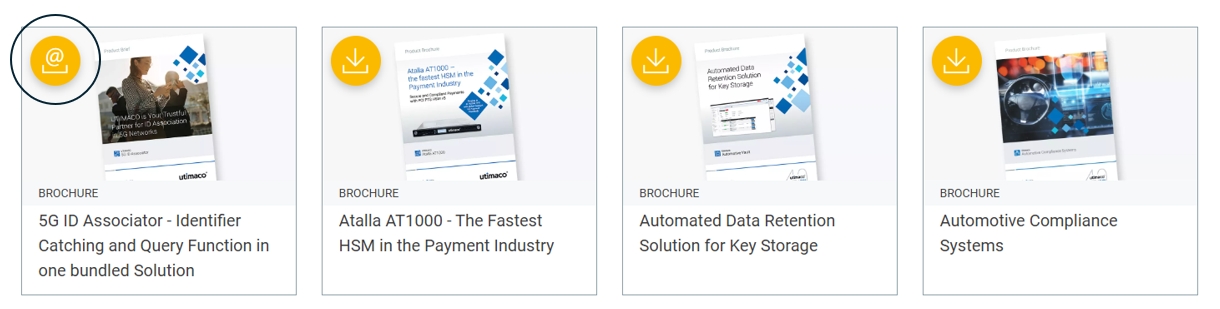
A click on such a button opens an online form which we kindly ask you to fill and submit. You can collect several downloads of this type and receive the links via e-mail by simply submitting one form for all of them. Your current collection is empty.