
About the integration
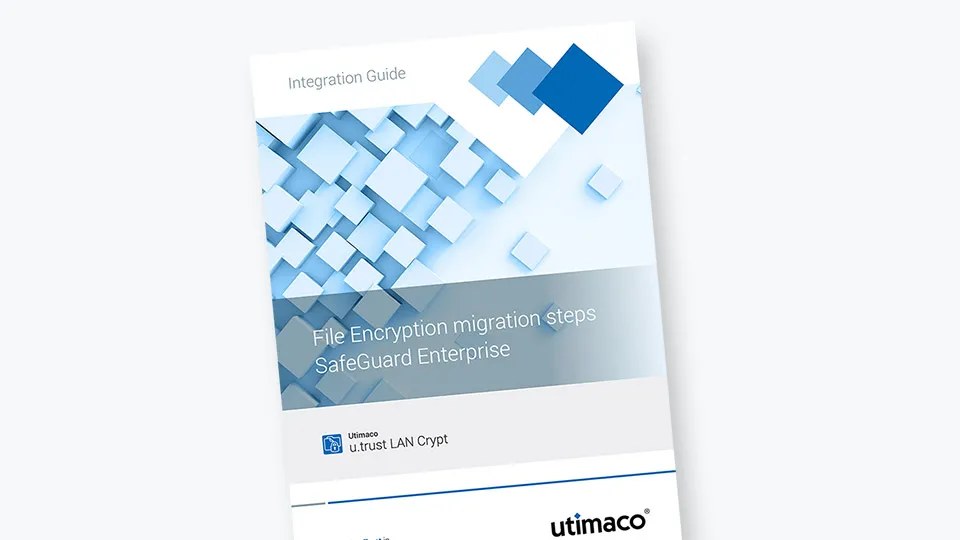
This Integration Guide describes how to migrate from SafeGuard Enterprise to Utimaco u.trust LAN Crypt.
SafeGuard Enterprise
SafeGuard Enterprise (“SGN”) is a security suite from Sophos. It consists of several modules, with Data Exchange (DX), Cloud Storage (CS) and File Encryption (FE) all providing file-level encryption. The entire software suite is being discontinued. Users run the risk of losing access to their encrypted documents. Migrating from one security product to another can be a hassle and an added risk, especially if the process involves the decryption of data. This is not the case when migrating to u.trust LAN Crypt.
u.trust LAN Crypt and SafeGuard Enterprise are fully compatible
Sophos SafeGuard Enterprise and u.trust LAN Crypt share the same technical foundation and file-encryption subsystem. As a consequence, files encrypted in SafeGuard Enterprise are fully compatible with and can be read natively by u.trust LAN Crypt. The encryption keys are specific for each installation, and only those need to be migrated.
Related Resources
Utimaco’s LAN Crypt File and Folder Encryption offers a software-based data encryption solution for securing files and folders. By transparently encrypting all data according to policy guidelines, it protects against unauthorized internal and external access, regardless of storage location.
LAN Crypt File and Folder Encryption
Utimaco’s LAN Crypt File and Folder Encryption offers a software-based data encryption solution for securing files and folders. By transparently encrypting all data according to policy guidelines, it protects against unauthorized internal and external access, regardless of storage location.
DownloadRelated Products
Ready to Secure Your Digital Future?
Contact SalesYour download request(s):

Your download request(s):

About Utimaco's Downloads
Visit our Downloads section and select from resources such as brochures, data sheets, white papers and much more. You can view and save almost all of them directly (by clicking the download button).
For some documents, your e-mail address needs to be verified. The button contains an e-mail icon.
A click on such a button opens an online form which we kindly ask you to fill and submit. You can collect several downloads of this type and receive the links via e-mail by simply submitting one form for all of them. Your current collection is empty.